Every tree has a tale
Your family, framed.
Turn the family tree you built on Ancestry, MyHeritage or Gramps into a chart for your wall.
Make your chartOr try a famous family
- Free while in beta
- No account
- Files deleted after 30 days
- Print up to 119 × 84 cm
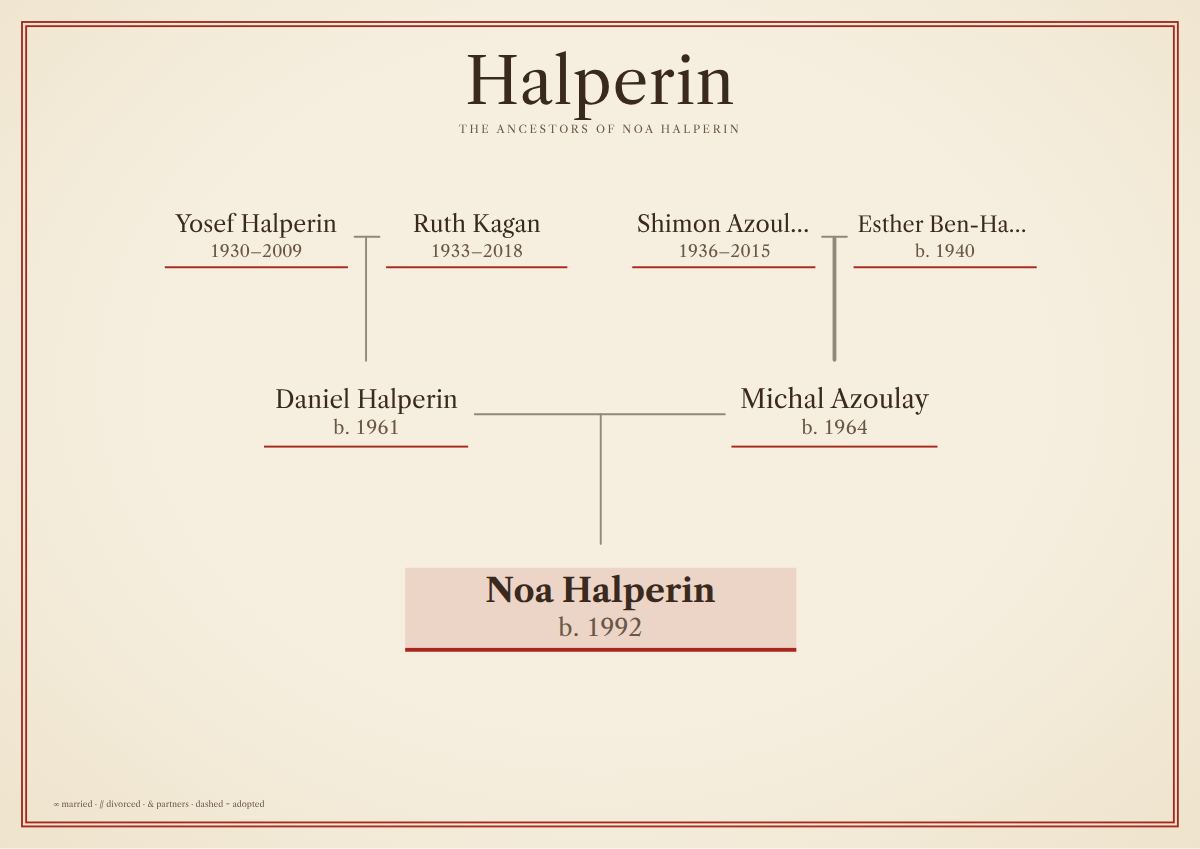
How it works
From a file to a poster in about a minute
- Add your family fileFrom Ancestry, MyHeritage or Gramps
- Choose a chart and a design12 chart kinds, 11 designs
- Download and printA PDF at the exact poster size
11 designs · 12 chart kinds
Old paper, careful type
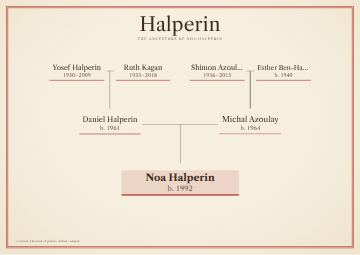
Heirloom 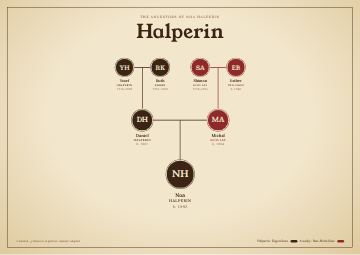
Keepsake 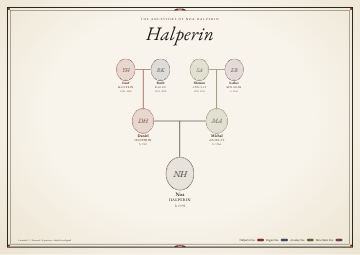
Family Bible 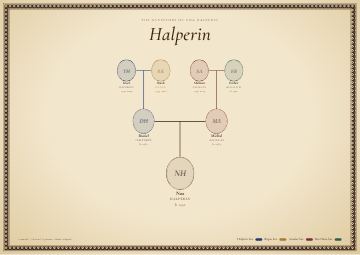
Ketubah 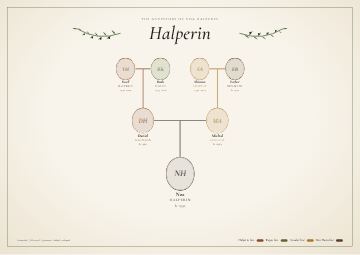
Olive Branch 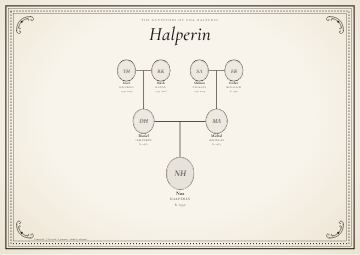
Engraved Plate 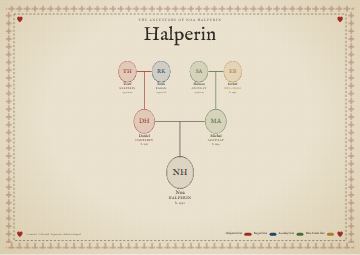
Sampler 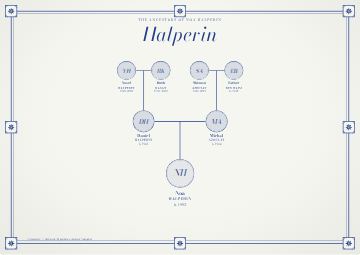
Delft
Your family stays yours
Private by default
- Used only to draw your chart. Never sold, never used to train AI.
- Deleted after 30 days, or at once with “Delete my file”.
- Birth years of living people are hidden. Privacy page
Questions
Good to know
What is a GEDCOM file?
A GEDCOM file (.ged) is the standard way to move a family tree from one program to another. It holds names, dates, places and family links as plain text. Ancestry, MyHeritage, Gramps, RootsMagic and most other family tree programs can export one.
How do I get a GEDCOM file from my family tree?
On MyHeritage: Family tree, then Manage trees, then Export to GEDCOM beside your tree. On Ancestry: open your tree, choose Tree Settings from the three-dot menu, then Export Tree, and download the file when it is ready. In Gramps: Family Trees, then Export, and choose GEDCOM. FamilySearch does not export its shared tree as GEDCOM; import your tree into RootsMagic, Ancestral Quest or Legacy Family Tree and export from there.
Is Tree & Tale free?
Yes, while Tree & Tale is in beta. Making a chart and downloading the print file cost nothing. Printing is paid at the print shop you choose. If prices are introduced later, you will see the price before you create a chart.
Is my family tree private?
Your file is used only to draw your chart. It is kept on a server in Madrid, deleted 30 days after you last use it, and deleted at once when you press Delete my file. We never sell it, use it for advertising or train AI on it. The birth years of living people are hidden unless you choose to show them.
Do I need an account?
No. There is no sign-up. Add your file, choose a chart and download the PDF.
More questions
What kinds of charts can I make?
Ancestors, Ancestor fan, Descendants, Register, Descendant fan, Hourglass, Bowtie, Timeline, Birthday wheel, Everyone, Couple, Lineage. Every chart works with every design.
What size can I print?
The print file is made at the exact poster size: A3 · 42 × 30 cm; A2 · 59 × 42 cm; A1 · 84 × 59 cm; A0 · 119 × 84 cm; 24 × 18 in; 36 × 24 in; Square · 60 cm; Square · 80 cm; Square · 150 cm. Any print shop can print the PDF; ask for actual size, 100 percent.
How long does it take?
About a minute from adding your file to a finished PDF. The preview updates as you choose, so you see the chart before you create it.
Can I add photos?
Yes. Photo links in a MyHeritage export are downloaded when you upload your file, before they expire, and cropped to the face. You can also add or change the photo of any person in the chart maker.
Can I fix a name or a date before printing?
Yes. Tap a person on the preview, or open Review names and dates, to correct names, years and birthplaces. Your original file is never changed; corrections are kept with your chart.
Does it work with names in Hebrew or other right-to-left scripts?
Yes. Names written right to left, such as Hebrew, are drawn in the correct order.
Can I try it without my own file?
Yes. Open a sample family, the British royal family or the US presidents, and make a chart in a minute.
Put your family on the wall
Free while Tree & Tale is in beta.